Sometimes members are unable to log in because their browser needs to be reset.
The problem may be with your browser – it just needs to be reset. Here’s how to do that:
Chrome, Firefox, Edge/Internet Explorer browsers:
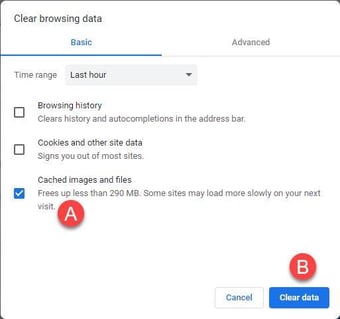
- Hold down the Ctrl + Shift + Delete keys at the same time on your keyboard.
Note: If you're using a Chromebook, you'll need to press Ctrl + Shift + Alt + Backspace
You’ll see this screen below or one similar to it:
Using Safari on an iPhone or iPad:
- Open the Settings app.
- Click Safari
- Tap Clear History and Website Data
Using Safari on a Mac:
- Click on History [1] and then in that menu, click on Clear History [2]:
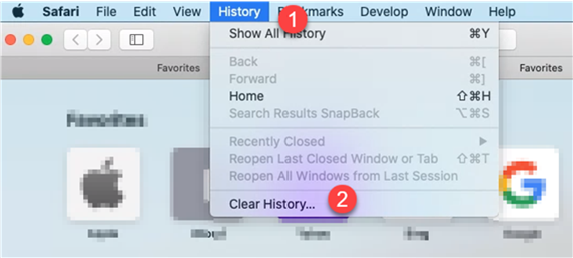
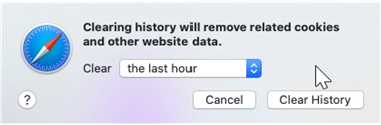
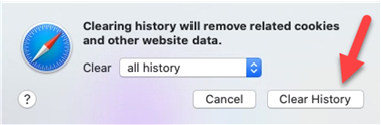
- This screen will appear:
- Click on the up/down arrows to see all the options of how much you want to go. Click All History:
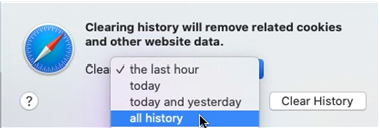
With that selected, click Clear History:
You should now be able to log in to AANA.com.